

pageonaut.com/tools/image-compressorlive
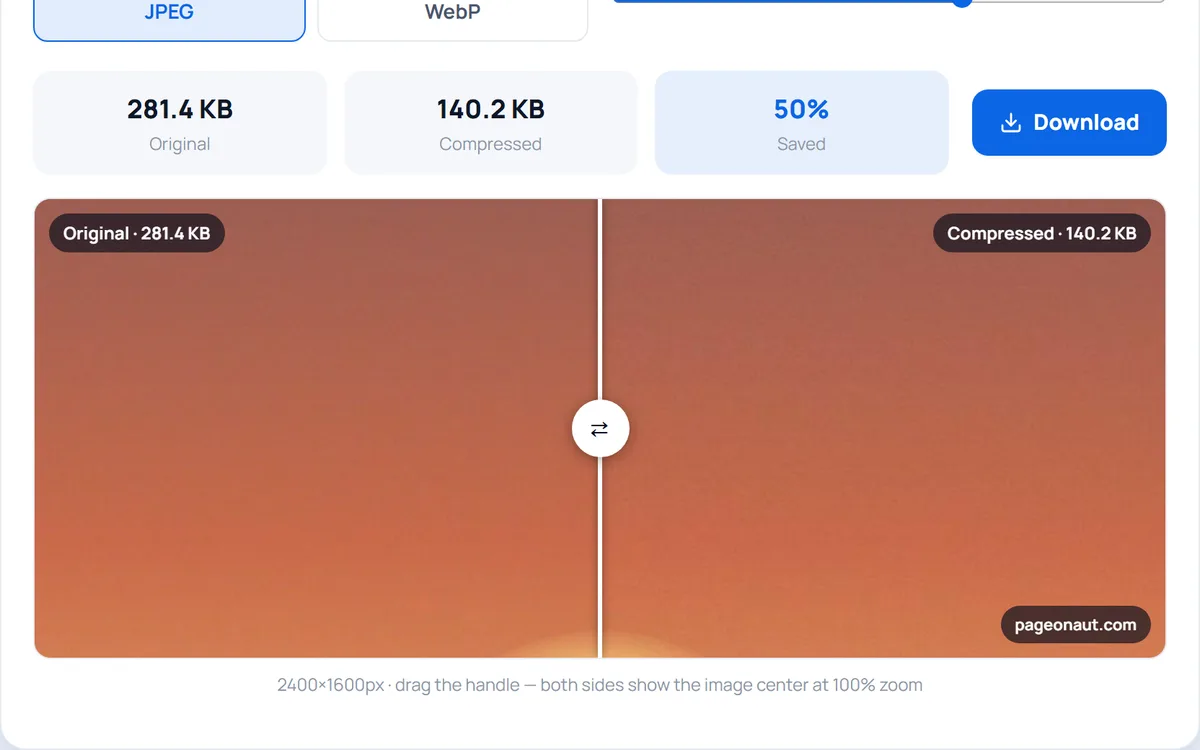
Image Compressor
Compress JPEG and WebP images right in your browser — smaller files, no upload, no quality guesswork.
A growing toolbox of clean, fast utilities for text, images, PDFs, developers and more. No clutter, no accounts — most tools run entirely in your browser.
No mockups. Bring a tile into focus and it plays a recording of the real tool doing the job — typed input, numbers moving, files appearing. No sign-up wall in front of any of it.
Image Compressor
Compress JPEG and WebP images right in your browser — smaller files, no upload, no quality guesswork.
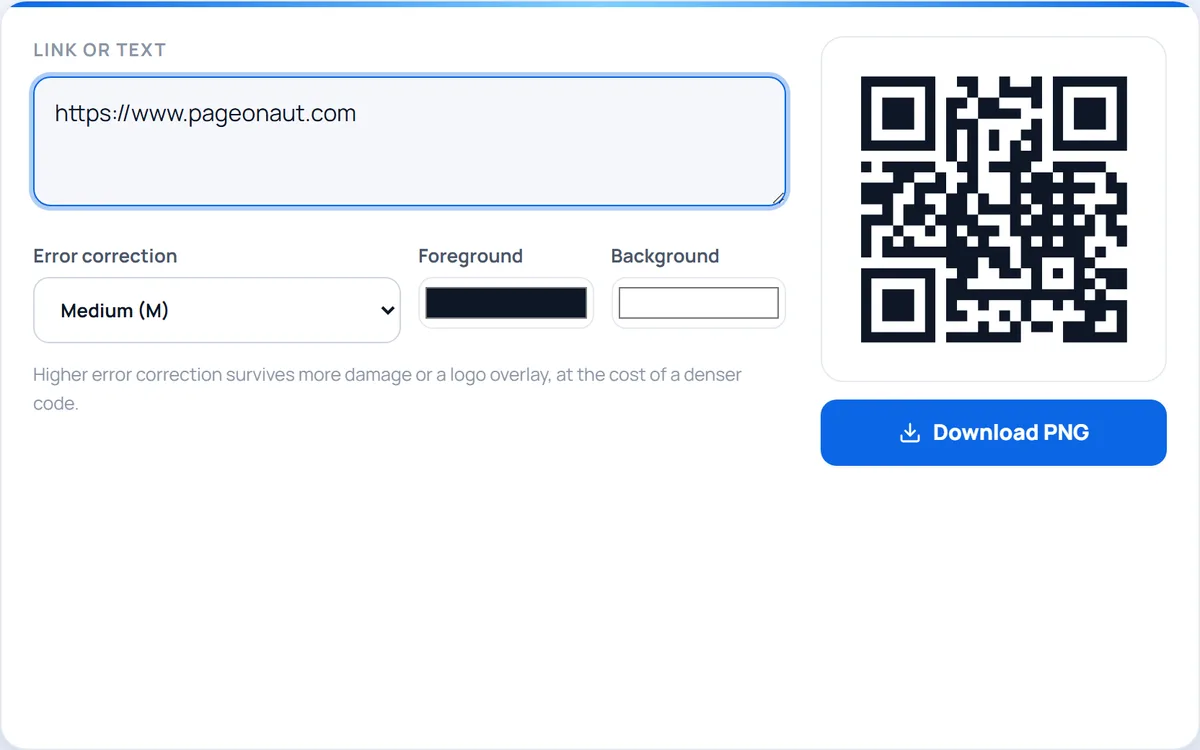
QR Code Generator
Turn any link or text into a QR code — customise the colors and download a crisp PNG.
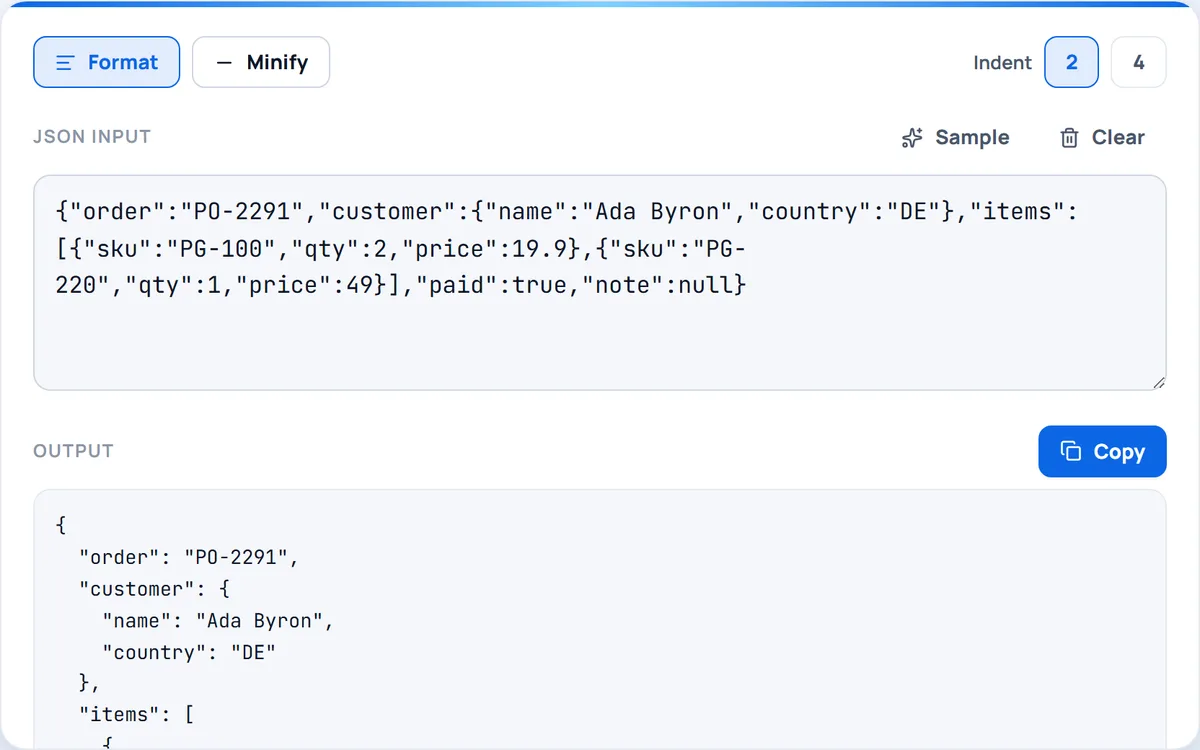
JSON Formatter
Format, beautify and minify JSON with instant validation — all in your browser.
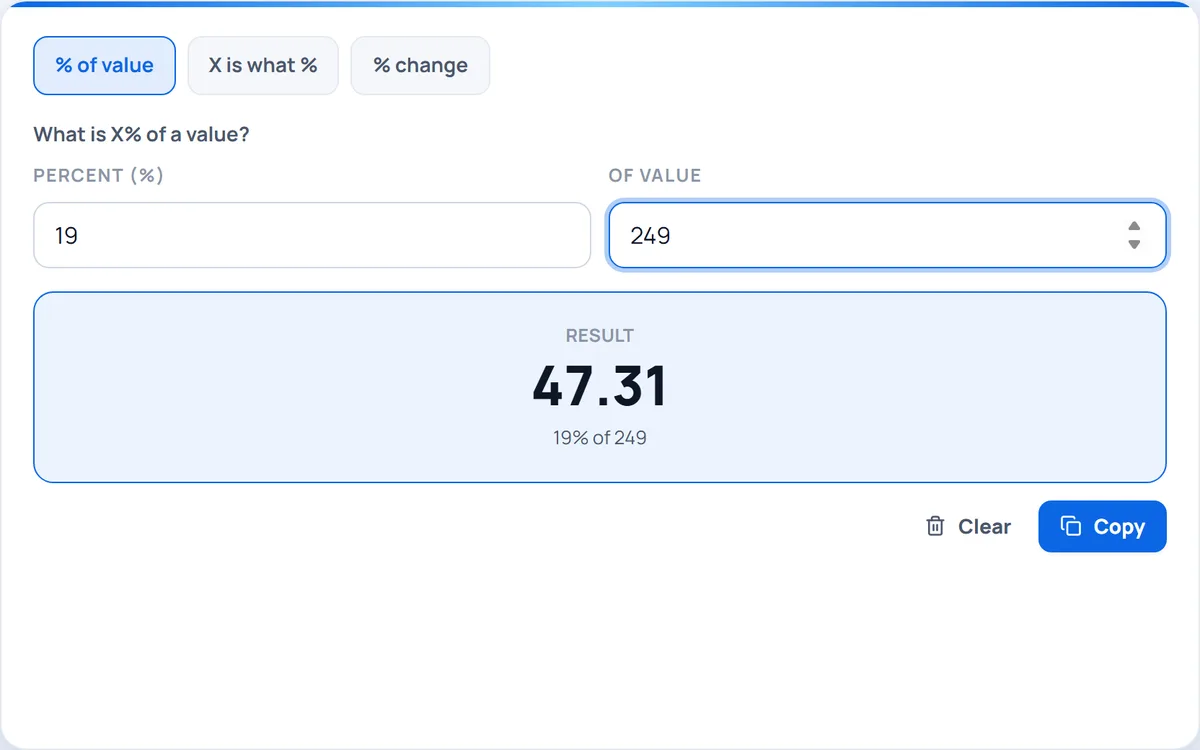
Percentage Calculator
Work out percentages three ways — find a percent of a value, what percent one number is of another, or the percent change between two numbers.
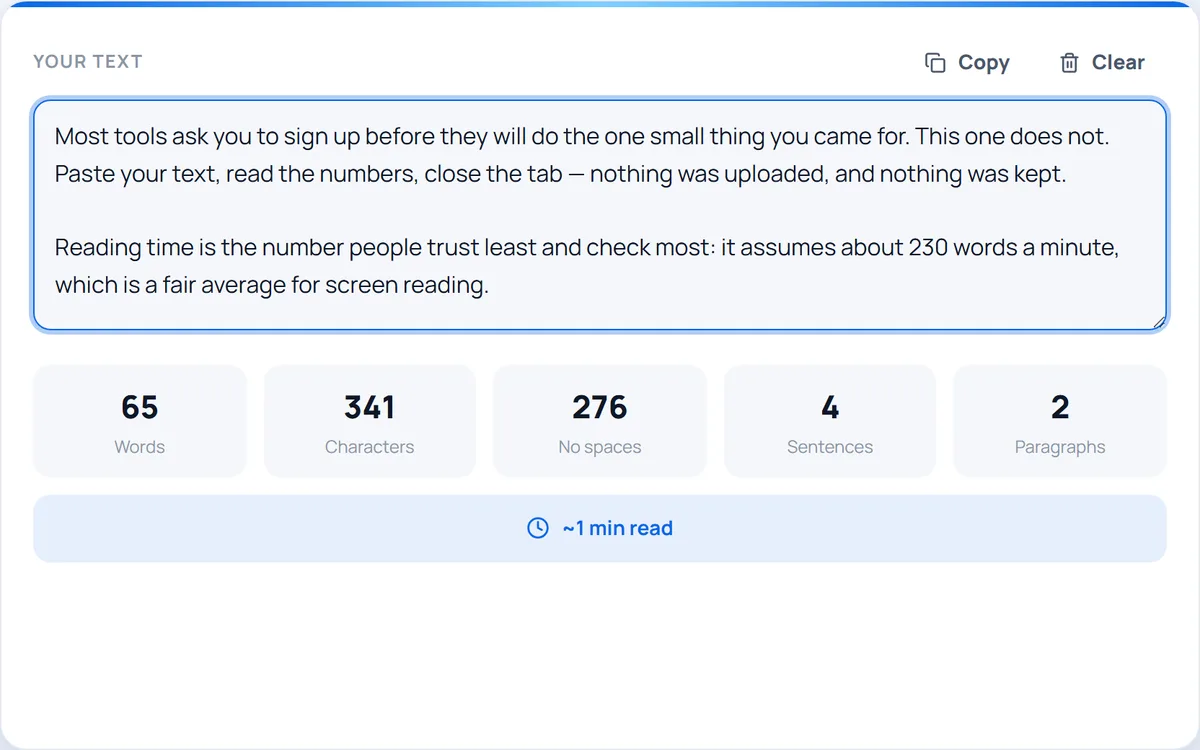
Word & Character Counter
Count words, characters, sentences, paragraphs and reading time as you type.
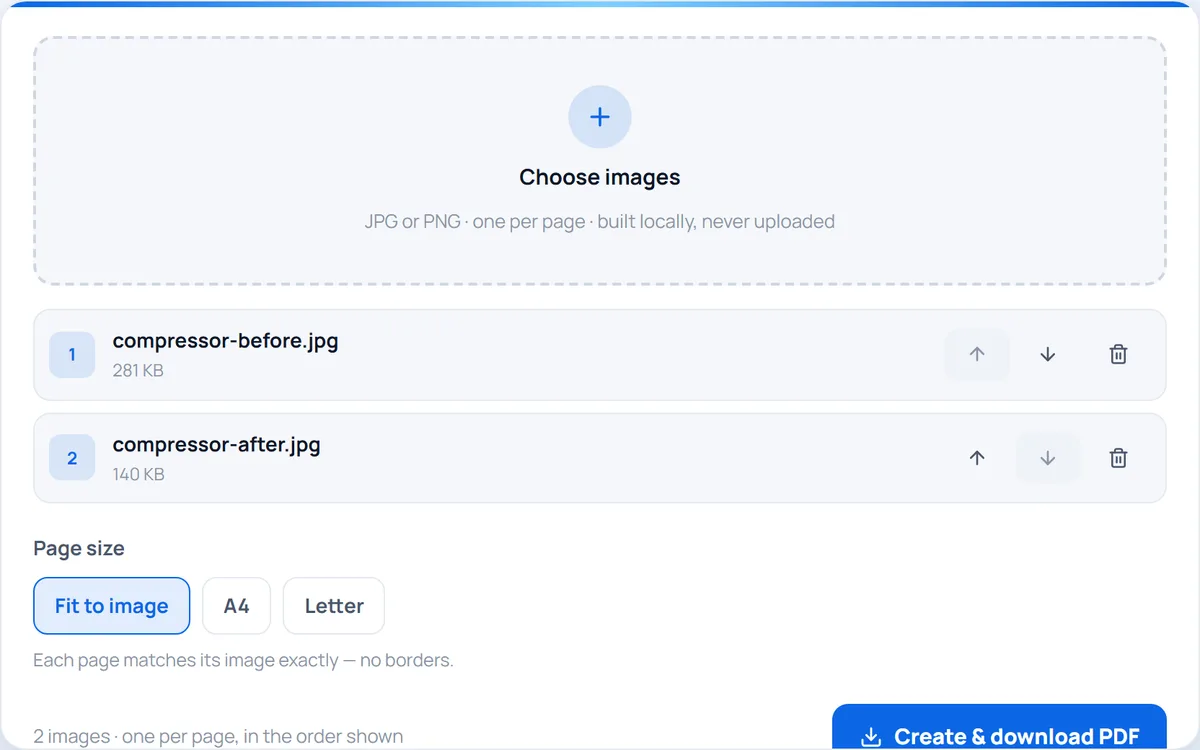
Images to PDF
Combine JPG and PNG images into a single PDF — one image per page, built privately in your browser.
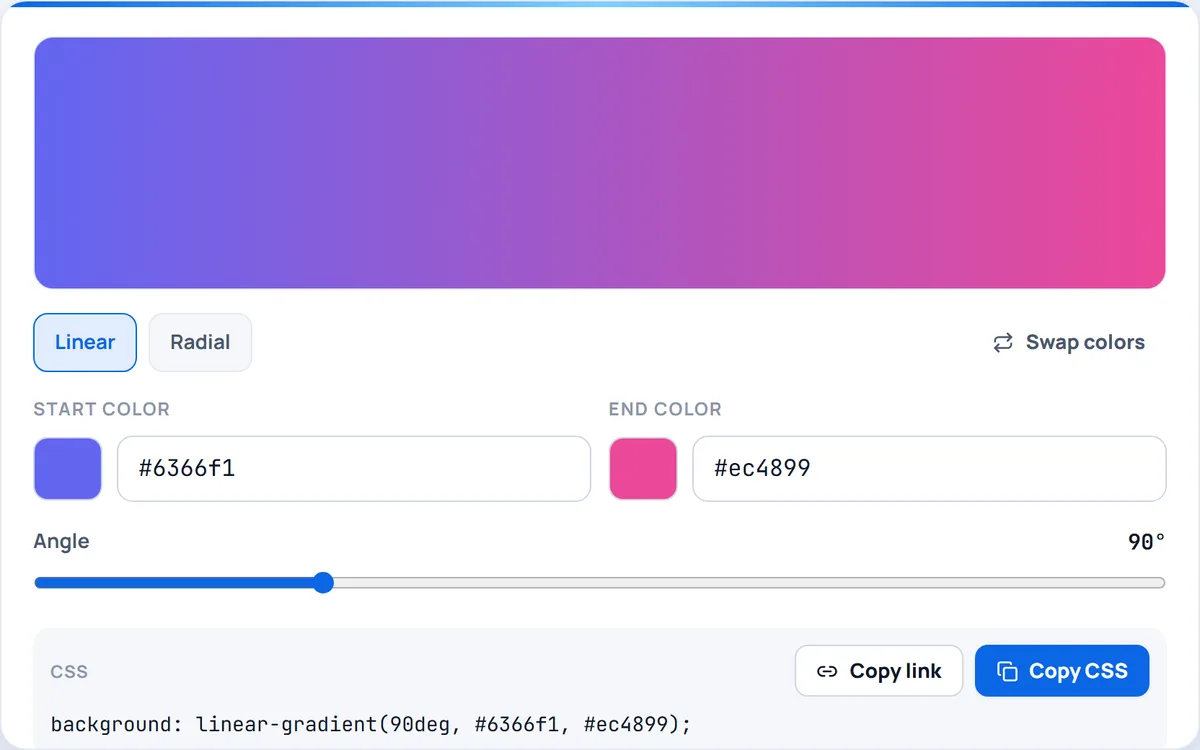
CSS Gradient Generator
Build linear and radial CSS gradients with two colour stops, an angle slider and a live preview — then copy the code.
Browse every category in one place. Pick an area to see all the free, no-sign-up tools inside — more are added all the time.
Count, convert, clean and transform text — fast and in your browser.
ExploreCompress, resize and convert images locally — nothing is uploaded.
ExploreConvert, pick and check colors for web and print.
ExploreMerge, split and convert PDFs right in your browser.
ExploreSwitch between formats and units in a couple of clicks.
ExploreFormat, encode, test and generate — the everyday dev toolbox.
ExploreLinks, meta tags, previews and on-page checks.
ExploreQuick, reliable calculators for everyday numbers.
ExploreHelpers for creators — thumbnails, counts and more.
ExplorePasswords, QR codes, placeholders and other instant generators.
ExploreQuick skill tests and trainers — reaction time, typing speed and more. Beat your best and challenge a friend.
ExploreGame scoreboards, decision makers and party toys — quick fun for game night, no app needed.
ExploreConvert text to UPPERCASE, lowercase, Title Case or Sentence case — instantly, in your browser.
Text & WritingCount words, characters, sentences, paragraphs and reading time as you type.
Text & WritingTest your reflexes — click the moment it turns green, beat your best time and challenge a friend.
Tests & TrainerGenerate strong, random passwords right in your browser — your passwords never leave your device.
GeneratorsCompress JPEG and WebP images right in your browser — smaller files, no upload, no quality guesswork.
ImageConvert any color between HEX, RGB and HSL instantly — pick, preview and copy in one place.
ColorCombine several PDF files into one document — fast, private and entirely in your browser.
PDFConvert length, weight, temperature and data units instantly — right in your browser.
ConvertersFormat, beautify and minify JSON with instant validation — all in your browser.
DeveloperPageonaut is built to get you in and out fast. There is no setup, no learning curve, and nothing standing between you and the task.
Search by name or browse the categories. Every tool has a clear page that explains exactly what it does before you start.
Open the tool and get to work — there is no account to create, nothing to install, and no paywall in the way.
Most tools run entirely in your browser, so your files and text stay on your device. Copy, download, or share your result and move on.
Whatever you do, the right tool is a click away. Here is how different people put Pageonaut to work every day.
Tidy up essays, theses, and articles without leaving the browser. Check how long a piece is, fix inconsistent capitalisation, and clean up text pasted from anywhere.
Handle the small everyday jobs that pile up at work — reformatting text, generating secure credentials, and quick conversions — all without installing software on a locked-down machine.
Reach for quick, dependable utilities between commits. Generate strong passwords and tokens, transform and inspect text, and skip the heavyweight apps for one-off tasks.
Polish captions, format copy for posts, and keep titles within length limits. Take a break and test your reflexes between projects — fast, fun, and friction-free.
The same small jobs done by hand take just a few clicks here. Three everyday tasks, and the difference they make.
The same task — by hand vs. with Pageonaut
Estimates for illustration only — your actual time will vary with the task, your setup, and the tools you already use.
Start saving timePageonaut exists to make everyday digital tasks effortless — without sign-ups, uploads, or clutter. We sweat the small details so a quick job stays a quick job, and we keep adding tools shaped by what people actually need.
Most tools run entirely in your browser. Your files and text never leave your device.
No accounts, no paywalls, no trials. Open a tool and get the job done — that's it.
Each tool is built to do one real job well — fast, clean, and worth keeping in a tab.
Pageonaut is a free collection of online tools for the small, practical jobs that come up every day — counting words, reformatting text, generating passwords, converting files, and more. It is made for anyone who needs a quick, reliable utility without the usual overhead of installing an app or signing up for yet another account.
The defining idea is simple: tools should be helpful, not extractive. Most of Pageonaut runs entirely in your browser, which means your files and text are processed on your own device and never uploaded to a server. Where a tool genuinely needs the cloud to work, that is stated plainly on the tool's page so you always know what is happening to your data.
Everything is free to use, with no paywalls, trials, or premium tiers, and the collection keeps growing as new tools and guides are added. What sets Pageonaut apart is what it leaves out: no clutter, no pop-ups, no forced logins — just clean pages that load fast and do exactly what they say.
Practical how-tos for the everyday tasks our tools solve.

A five-second test tells you whether a PDF holds text or photographs — plus what OCR quietly gets wrong, and the habit that destroys a text layer for good.
Read article →
Why a 24 MB file fails a 25 MB limit, why zipping almost never helps, and the four real options in the order you should try them — with the trade-off of each.
Read article →
TinyPNG is great but caps free files at 5 MB and uploads everything to a server. Here are the best free image compressor alternatives, honestly compared.
Read article →Quick answers to the things people ask most about Pageonaut.
12 categories, 144+ tools and counting — pick one and get going. No account needed.