


UTM Links Explained: A Practical Guide to Campaign Tracking
Pageonaut · June 17, 2026
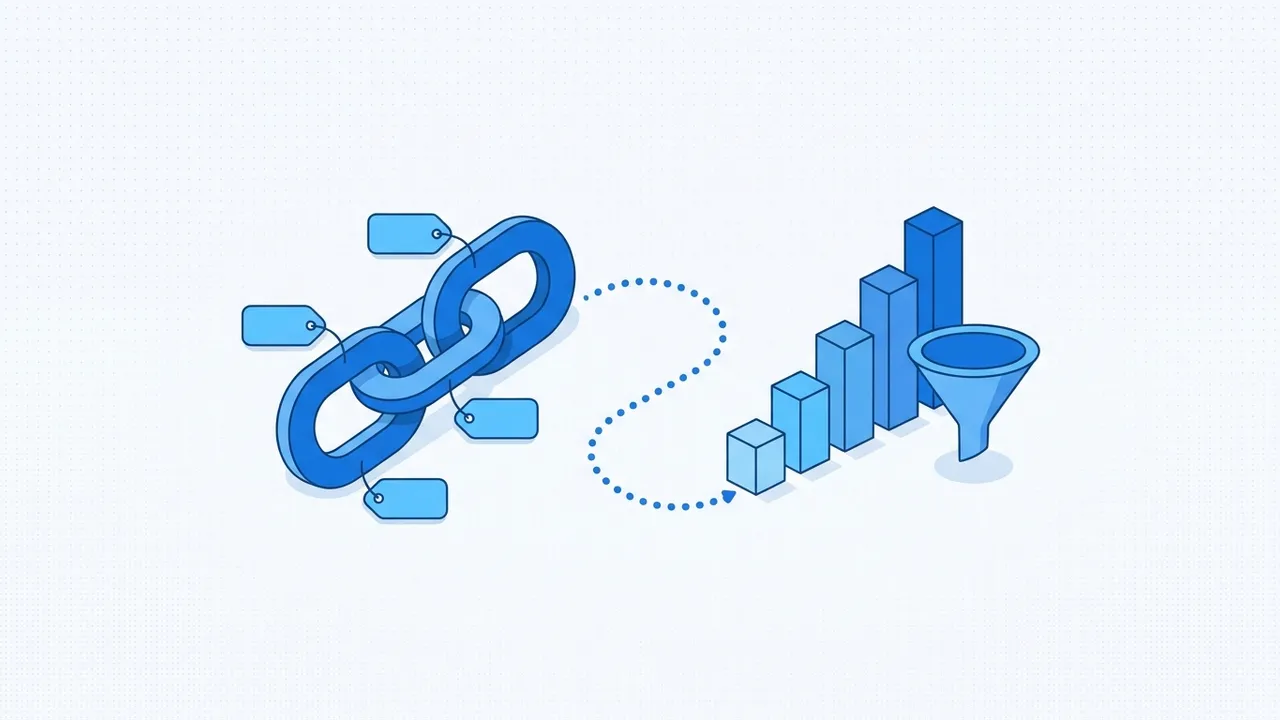
You share a link in a newsletter, a tweet and an ad, traffic arrives, and your analytics lumps it all together as "people who visited." Without a way to tell those sources apart, you can't know what's actually working. UTM parameters solve that. They're small tags you add to a link so your analytics tool can credit the right campaign, source and channel. This guide explains the five parameters, how to keep them consistent, and the mistakes that quietly ruin your data.
What are UTM parameters?
A UTM parameter is a label added to the end of a URL as a query string. "UTM" comes from Urchin Tracking Module, after the analytics software that introduced the convention years ago. The tags don't change the page a visitor lands on — they just travel along with the click so your analytics can read them and group the visit correctly.
A tagged link looks like this:
https://example.com/?utm_source=newsletter&utm_medium=email&utm_campaign=summer-sale
Everything after the ? is tracking data. The visitor still lands on example.com; your analytics simply now knows how they got there.
The five UTM parameters
There are five standard parameters. The first three are the ones you'll use most.
- utm_source — where the traffic comes from: the specific site, platform or publication. Examples:
newsletter,google,linkedin,partner-blog. - utm_medium — the type of channel:
email,cpc(paid search),social,referral,banner. - utm_campaign — the initiative the link belongs to:
summer-sale,product-launch,black-friday-2026. - utm_term — optional; mainly for paid search, to record the keyword you bid on.
- utm_content — optional; to distinguish variations within one campaign, like two buttons or two ad creatives:
header-ctavsfooter-cta.
Think of it as a hierarchy: the campaign is the project, the source and medium say where and how it ran, and term/content add fine detail.
Naming conventions: consistency is everything
UTM values are just text, and most analytics tools treat them as case-sensitive. That means Email, email and EMAIL become three separate sources, splitting one channel into a confusing mess. The single most important UTM habit is picking conventions and never deviating.
A reliable set of rules:
- Always lowercase.
facebook, neverFacebookorFaceBook. - No spaces. Use hyphens or underscores:
summer-sale, notsummer sale. Spaces get encoded as%20and look broken. - Pick one word per concept and stick to it. Decide whether email is
emailornewsletterand use it everywhere. Don't mixfb,facebookandmeta. - Keep a reference list. A simple shared document of approved source/medium/campaign values stops your team inventing new spellings.
Consistency isn't pedantry — it's the difference between a clean report and one you can't trust.
Mistakes that break your analytics
A few errors crop up again and again:
- Inconsistent casing or spelling, as above — the most common way to fragment your own data.
- Tagging internal links. Putting UTMs on links within your own site can overwrite the original source, making it look like visitors came from your homepage. Only tag links that bring people to your site from outside.
- Confusing source and medium. Source is the specific place (
linkedin); medium is the category (social). Swapping them scrambles your channel reports. - Leaving out utm_medium. Many analytics tools rely on medium to bucket traffic into channels. Omit it and your visits may land in an "unassigned" bucket.
- Forgetting the
?or&. The first parameter follows a?; each additional one follows an&. Getting this wrong means the tags aren't read at all. - Over-tagging. You don't need
utm_termandutm_contenton every link. Use them only when you genuinely want to compare variations.
A worked example
Say you're promoting a sale across three channels. Consistent tags might be:
?utm_source=newsletter&utm_medium=email&utm_campaign=summer-sale
?utm_source=instagram&utm_medium=social&utm_campaign=summer-sale
?utm_source=google&utm_medium=cpc&utm_campaign=summer-sale
Same campaign, different sources and mediums. In your analytics, all three roll up under summer-sale, while you can still see exactly how much each channel contributed. That's the whole point.
Build UTM links quickly and consistently
Typing query strings by hand is where typos sneak in. Use our free UTM Builder to fill in your URL and parameters in clean fields and get a correctly formatted, ready-to-share link — with the ? and & handled for you, so the tags always work. It's the fastest way to keep your naming consistent across a whole campaign. Explore more marketing utilities on the tools page.
A quick checklist before you share a link
- Is this an external link bringing people to your site? (Don't tag internal ones.)
- Are
utm_source,utm_mediumandutm_campaignall present? - Is everything lowercase, with hyphens instead of spaces?
- Do the values match the spellings you've used before?
Tick those four and your reports will stay clean and comparable over time.
FAQ
Do UTM parameters slow down or change my page?
No. They're just extra text on the end of the URL. The visitor lands on the same page; your analytics simply reads the tags to attribute the visit. They have no effect on what the page shows or how fast it loads.
Are UTM values case-sensitive?
In most analytics tools, yes. Email and email are treated as two different values, which splits one channel into separate rows. Always use lowercase and consistent spelling so related traffic groups together correctly.
Which UTM parameters are required?
None are strictly mandatory, but in practice you want utm_source, utm_medium and utm_campaign on every link — they're what your reports group by. utm_term and utm_content are optional extras for paid keywords and A/B-style variations.
Try the tool
UTM Builder