


HEX, RGB and HSL Color Codes Explained
Pageonaut · June 20, 2026
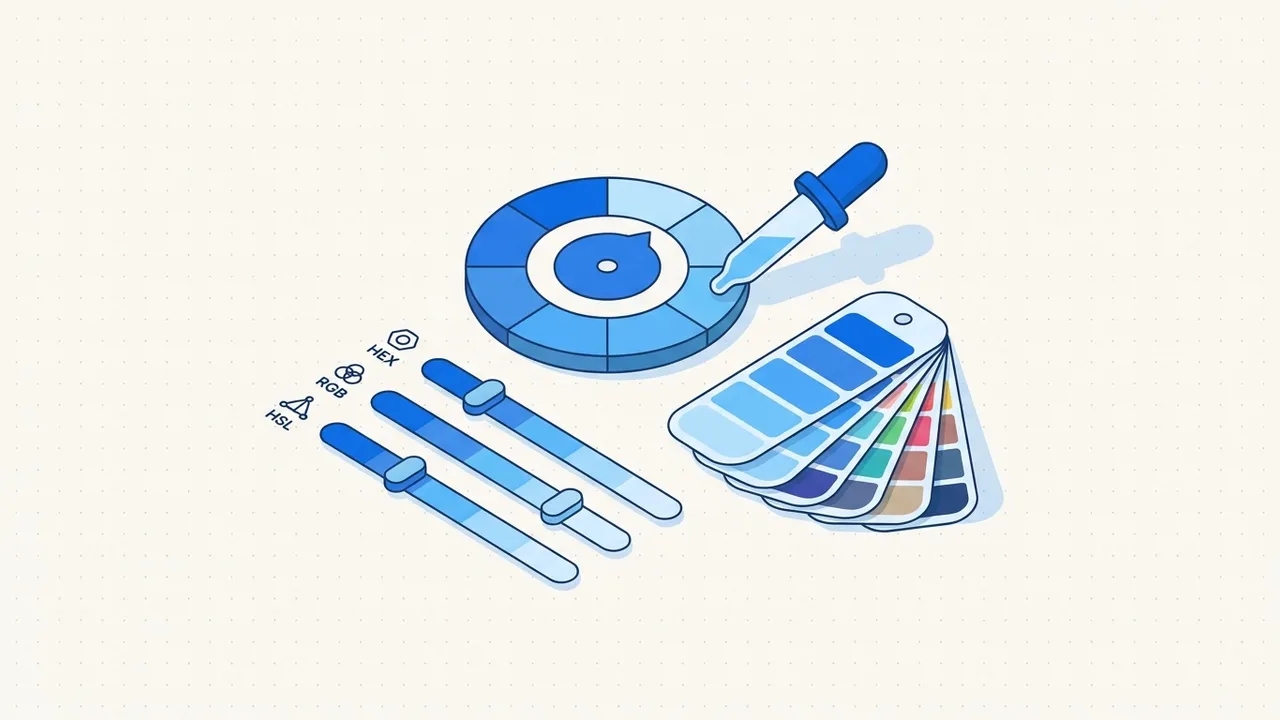
If you've ever pasted a color like #3B82F6 into one tool and rgb(59, 130, 246) into another, you've met the three most common ways to write color on screens: HEX, RGB and HSL. They describe the same colors in different notations, and each is handy in different situations. Once you understand how they relate, switching between them stops being confusing.
How screens make color
Every color you see on a screen is mixed from three lights: red, green and blue. Crank all three to maximum and you get white; turn them all off and you get black. HEX and RGB are just two ways of writing how much of each of those three channels to use. HSL takes a different, more human angle on the same result.
RGB: red, green, blue
RGB states the intensity of each channel directly, usually from 0 to 255:
rgb(59, 130, 246)
That means a little red (59), a moderate amount of green (130) and a lot of blue (246) — which reads as a clear blue. Some tools also accept an alpha (opacity) value, written as rgba(59, 130, 246, 0.5) for 50% transparency.
RGB is intuitive because the numbers map straight onto "how much of each light." It's a great mental model for what a color is made of.
HEX: the same numbers in a shorter notation
A HEX code is RGB written in base-16 (hexadecimal), packed into one string:
#3B82F6
Read it two characters at a time: 3B is red, 82 is green, F6 is blue. Each pair is the same 0–255 value as RGB, just in hex (so FF equals 255 and 00 equals 0). That's why #3B82F6 and rgb(59, 130, 246) are the same color.
HEX is compact and copy-paste friendly, which is why it dominates design files and stylesheets. The trade-off is that the numbers aren't easy to adjust in your head — nudging a hex value toward "a bit lighter" is not obvious.
HSL: hue, saturation, lightness
HSL describes color the way people tend to think about it:
hsl(217, 91%, 60%)
- Hue (0–360°) is the color itself, placed on a wheel: 0 is red, 120 is green, 240 is blue, and back around to red.
- Saturation (0–100%) is how vivid it is, from gray to fully intense.
- Lightness (0–100%) is how light or dark it is, from black to white.
HSL is wonderful for adjusting colors. Want a darker version of a shade? Lower the lightness and leave hue and saturation alone. Want a matching set of swatches? Keep saturation and lightness fixed and step the hue around the wheel. This makes HSL a favorite for building color palettes and theme variations.
How they relate
The key idea: HEX and RGB are the same information in different notations, and HSL is a different way of describing the same final color. Any color you can write in one, you can write in the others — converting is just math, not a loss of information. Tools translate between them instantly because there's a fixed relationship.
| Notation | Looks like | Best for |
|---|---|---|
| HEX | #3B82F6 | Copy-pasting into design files and CSS |
| RGB | rgb(59, 130, 246) | Understanding a color's channels; transparency via rgba |
| HSL | hsl(217, 91%, 60%) | Adjusting lightness/saturation and building palettes |
When to use which
- Sharing or storing a single color? HEX is the universal shorthand.
- Need transparency? RGB (
rgba) or HSL (hsla) both carry an alpha value cleanly. - Tweaking or generating variations? HSL, because the sliders map to ideas you care about (lighter, more muted).
You don't have to commit to one. Most people read in HEX and switch to HSL the moment they need to make a shade lighter.
A note on contrast and accessibility
Color isn't only about looks — text needs enough contrast against its background to stay readable, especially for people with low vision. Whether you write a color in HEX, RGB or HSL has no effect on contrast; what matters is the actual lightness difference between foreground and background. When you pick text colors, check that they're dark or light enough against the background rather than relying on how vivid they look. HSL's lightness value is a useful guide here: very similar lightness values between two colors usually means poor contrast.
Convert between HEX, RGB and HSL instantly
You don't need to do hexadecimal arithmetic by hand. Paste any color into our free Color Converter and see it in HEX, RGB and HSL at once, with a live preview. It's perfect for grabbing a HEX code from a design, switching to HSL to make a darker variant, and copying the result back out. You'll find more design utilities on the tools page.
FAQ
Are HEX and RGB really the same thing?
Yes — they encode identical information. A HEX code is just the red, green and blue values written in hexadecimal instead of decimal. #3B82F6 and rgb(59, 130, 246) produce the exact same color on screen.
Why do designers like HSL so much?
Because its three numbers match how people think about adjusting color: pick a hue, then decide how vivid and how light it should be. Making a tidy lighter or darker variant is as simple as changing the lightness value, which is awkward to do in HEX or RGB.
Can every color be written in all three formats?
Every standard screen color, yes. The three notations describe the same range of colors, so a tool can convert any one into the others without losing anything.
Try the tool
Color Converter