Atomic Clock
Precision server-calibrated “atomic” clock with smooth sync, 4 styles, 5 themes, fullscreen clock-only mode, and a customizable world time board managed via an easy Settings popup. Share your exact setup by link—privacy-first.


Pageonaut is a collection of focused utilities for everyday tasks — no signup, no clutter. Most processing runs directly in your browser (or on our own servers when needed), so your data stays where it belongs.
Fast tools, clear privacy expectations, and consistent UX across every category.
Use quick filters to explore tools by topic.
Write, count, rewrite, and polish — focused and fast.
Small helpers for web dev, config, and quick checks.
Clean URLs, check redirects, and optimize links.
Generate secure secrets and quick checks.
Convert assets and prep visuals fast.
Combine, split, and prep documents quickly.
Trusted favorites with consistent layouts, clear copy, and fast output.
Precision server-calibrated “atomic” clock with smooth sync, 4 styles, 5 themes, fullscreen clock-only mode, and a customizable world time board managed via an easy Settings popup. Share your exact setup by link—privacy-first.
Editor-first code cleanup: run presets, toggle common actions, jump to results automatically, and review a split diff (added vs removed)
Convert colors between HEX, RGB, HSL and CMYK, copy single values for InDesign, generate CSS snippets, and check WCAG AA contrast for text and UI.
Show the current ISO week number with a clean fullscreen display for TVs — theme switch (T) with live preview and automatic daily updates.
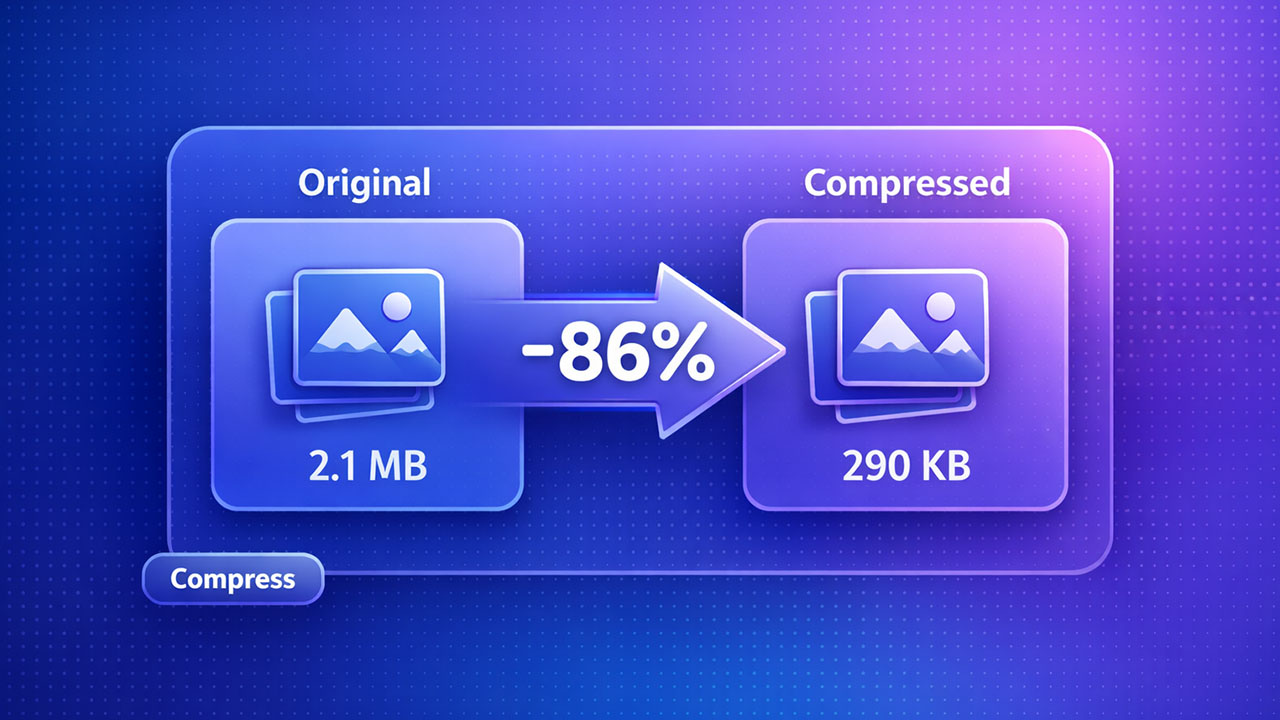
Compress images locally in your browser—no uploads. Choose an output format, compress multiple files, and download instantly.
Generate strong passwords or passphrases locally in your browser with Basic and Advanced modes, strength estimate, and bulk export.
Every tool is designed for clarity, speed, and privacy-first workflows.
Clean interfaces, fewer steps, and results that are ready to use immediately.
Most processing runs locally. If server-side is required, we make it explicit.
Predictable layouts and controls across the entire toolkit.
Pick a tool, drop in your input, and export results in seconds.
Choose from the catalog or search directly from the homepage.
Paste text, upload a file, or configure settings in a clean UI.
Copy, download, or share outputs immediately.
Answers to the most common questions about Pageonaut.
Lean utilities that feel consistent across the whole toolkit — built for everyday tasks, built to stay fast.